C2G: car2go for iPhone & iPad
C2G makes using car2go on your iPhone or iPad simple, with support for all car2go cities in North America and Europe. Designed with common sense, for quick use.
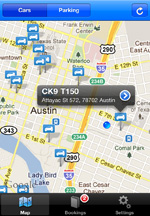
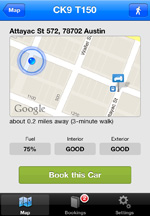
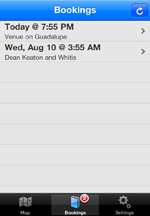
Note: C2G is no longer available for purchase. Thanks for being with us!
- Find nearby cars and parking spots and gas stations
- Immediately reserve a car
- Figure out how long the walk is to a car
- Cancel an existing reservation
Reviews from the App Store
Here are a few of the over 300 5-star reviews C2G has garnered in the App Store:
Excellent App!
I rely on this app multiple times per day and absolutely love it!!! I can't imagine life without it. It's such a part of my daily routine.
Outstanding!
I love this app. I now use it solely for my car2go usage - don't even bother with the official website anymore.
Great app!
My partner and I downloaded dueling apps for car2go at the same time. Wow. Suffice to say that we only use this app. So much smoother, more logical and informative. Forget any other app for this purpose. This is the winner.
Better than the official app!
Simple, consistent, fast, cheap. Does exactly what it needs to do. Really.
Top
Funkt viel besser als die "Original"App von Car2Go!
Parfait
Très bien fait et très claire.
Sehr gut!
Macht genau was sie soll und das sauschnell!!!!