 Coffeeshopped

Happy 2026! There have been a lot of small updates and releases for Patch Base in the past couple of months, and today I wanted to spotlight a feature from one of them: an improved drum kit editing experience.
The most recent releases of Patch Base have included updates to the Clavia Nord Lead 2 and Novation Bass Station II editors, each of which have a drum (or drum-like) editing mode. The Nord Lead 2 supports 8-sound drum kit patches. The Bass Station II has its Overlay / “AFX Mode” which maps a different patch/sound to each of the 25 keys on the synth, for creating drum kits (among other uses).
In Patch Base, when you're editing a normal synth patch, you have an in-app keyboard at the bottom of the window which makes for easy auditioning of sounds while you're tweaking parameters. This feature is also mapped to the “asdfghjkl;” row of keys on your computer keyboard, so you can play the sounds in a quick, hands-on way, in a pentatonic scale.
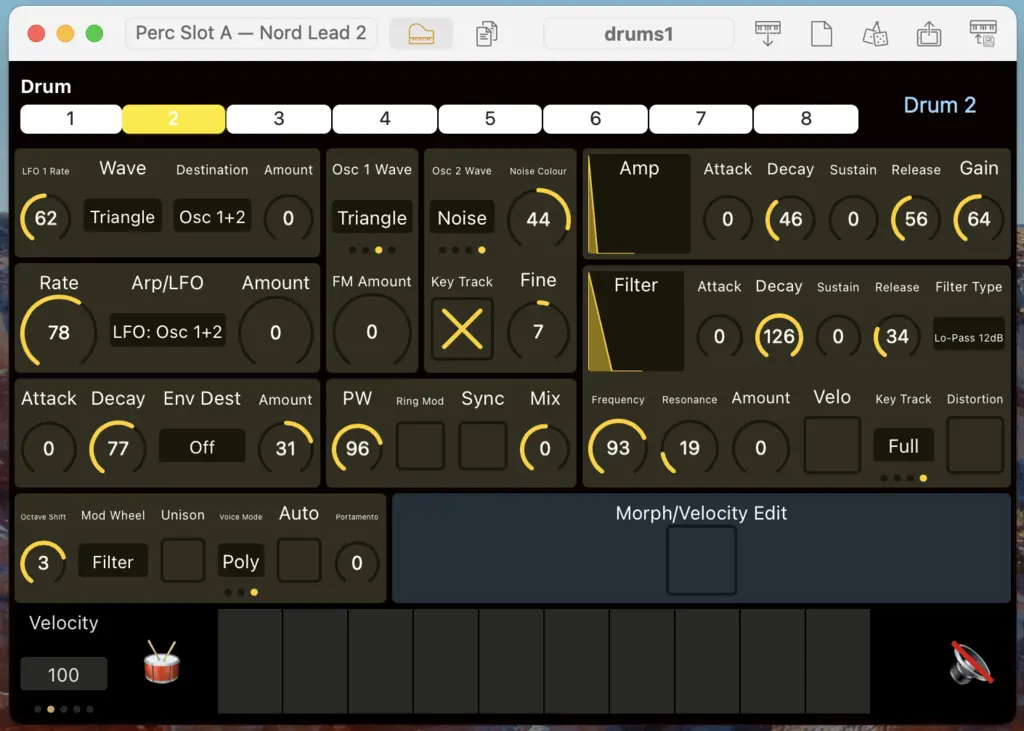
That approach has never been useful for drum kits, which usually map a different drum sound to each MIDI note. Now, Patch Base has an in-app drum keyboard, tailored to the synth you're using it with. Here's a picture (keyboard at the bottom):
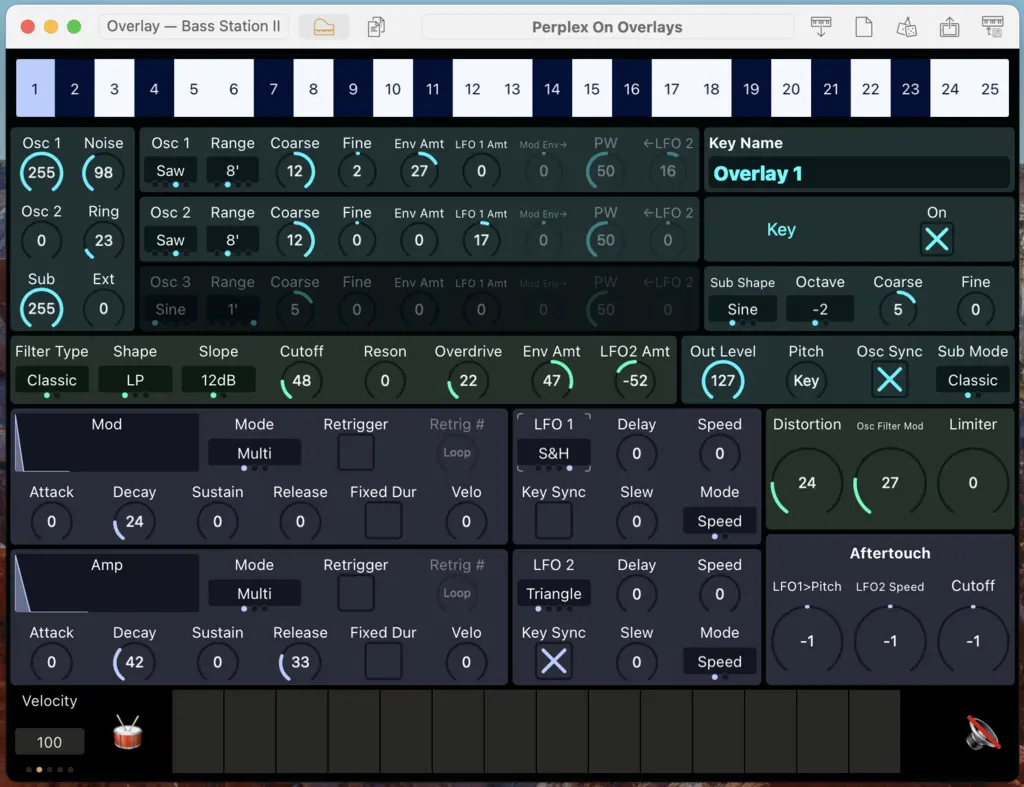
The idea is that the 🥁 button will play the current drum sound that you're editing. And if you want to play across the whole drum kit, you can click the keys next to it as usual, to play one drum per key.
What's even better is that this is mapped to the computer keyboard. The “a” key will play whatever drum sound is currently being edited. The “sdf…” keys will then play across the drum kit.
For now, only the Nord Lead 2 and Bass Station II editors have this new keyboard, but I'll be rolling it out across more synths in future updates soon. If there's one synth editor in particular you're wanting to see this new feature on ASAP, let me know!