 Coffeeshopped
Patch Base/Supported synths/E-mu Proteus 2000
E-mu
Proteus 2000 Editor & Librarian
Patch Base has the best E-mu Proteus 2000 editor and librarian available for Mac and iPad. Edit any parameter, organize patches, create random patches, and more.
Try out Patch Base 4 for Mac free for 7 days. Every editor is available as a one-time purchase, or get them all with the All Access subscription — one monthly or annual price for the whole collection.
Already own Patch Base 4 for Mac? Log in to buy the Proteus 2000 editor at the editor-only price.
Download Patch Base free on the App Store, then unlock the Proteus 2000 editor with an in-app purchase — or get every editor with All Access.
Free to download, and free 7-day All Access trial.
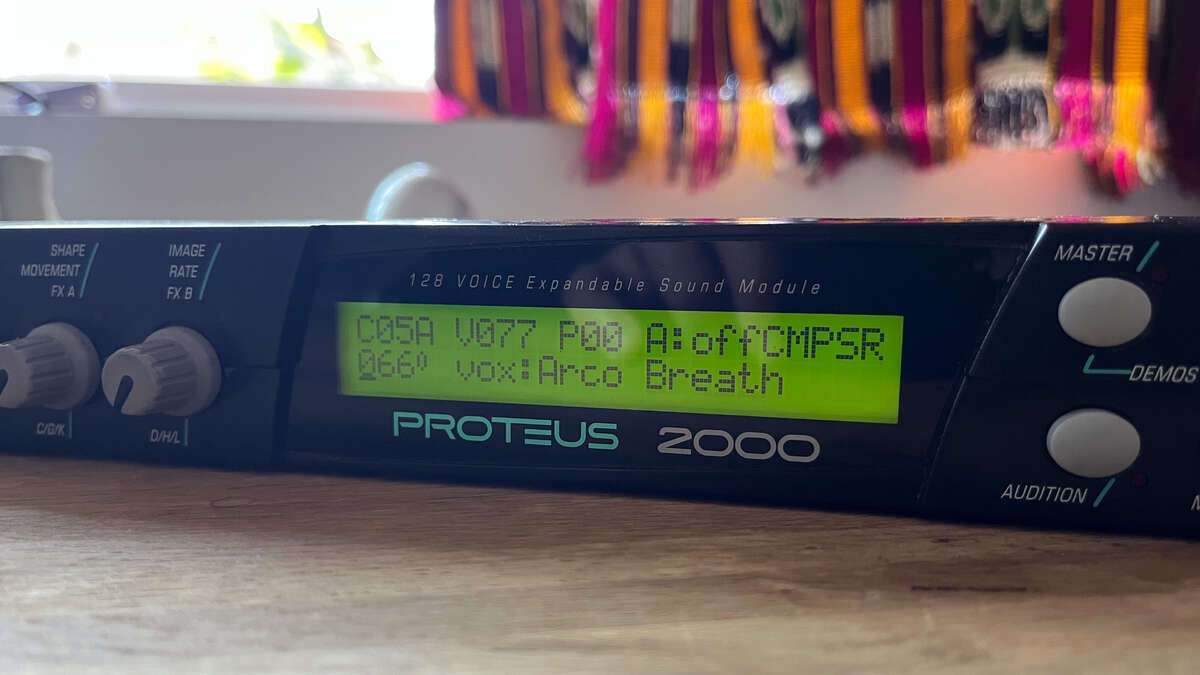
Mac Screenshots
iPad Screenshots
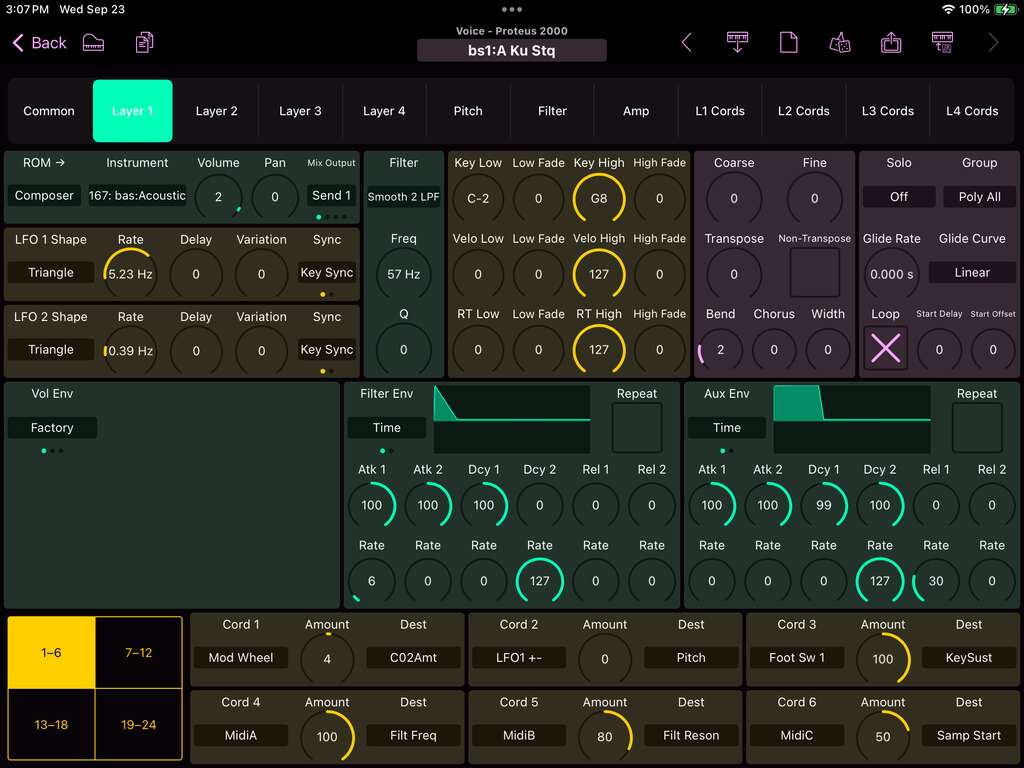
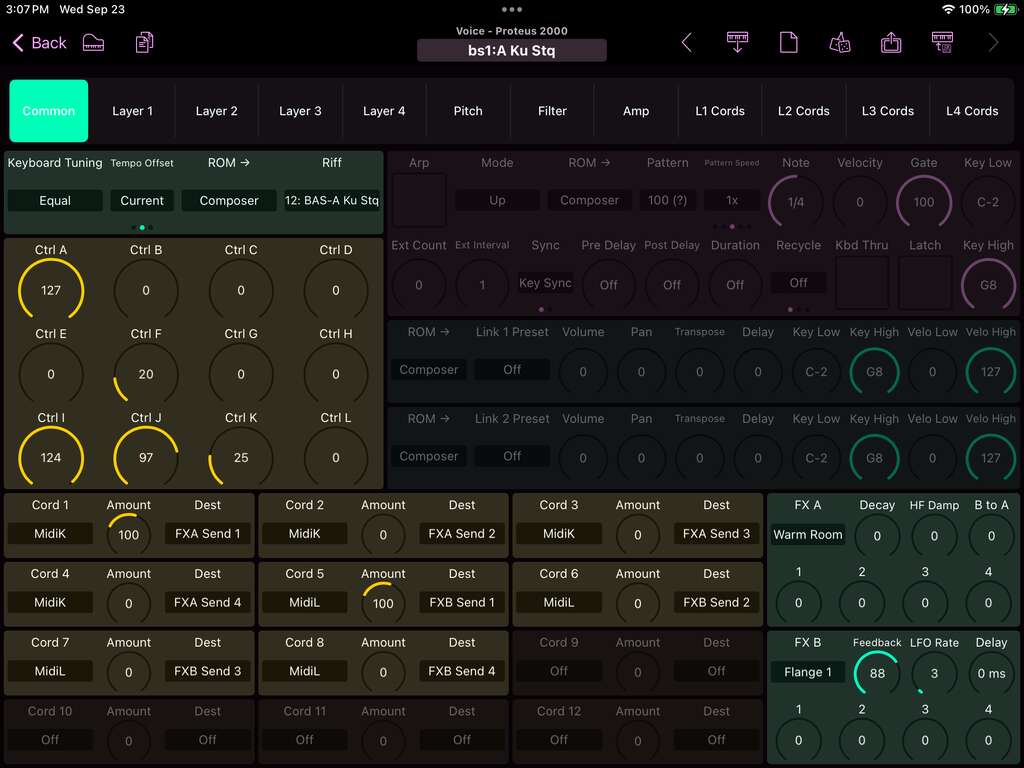
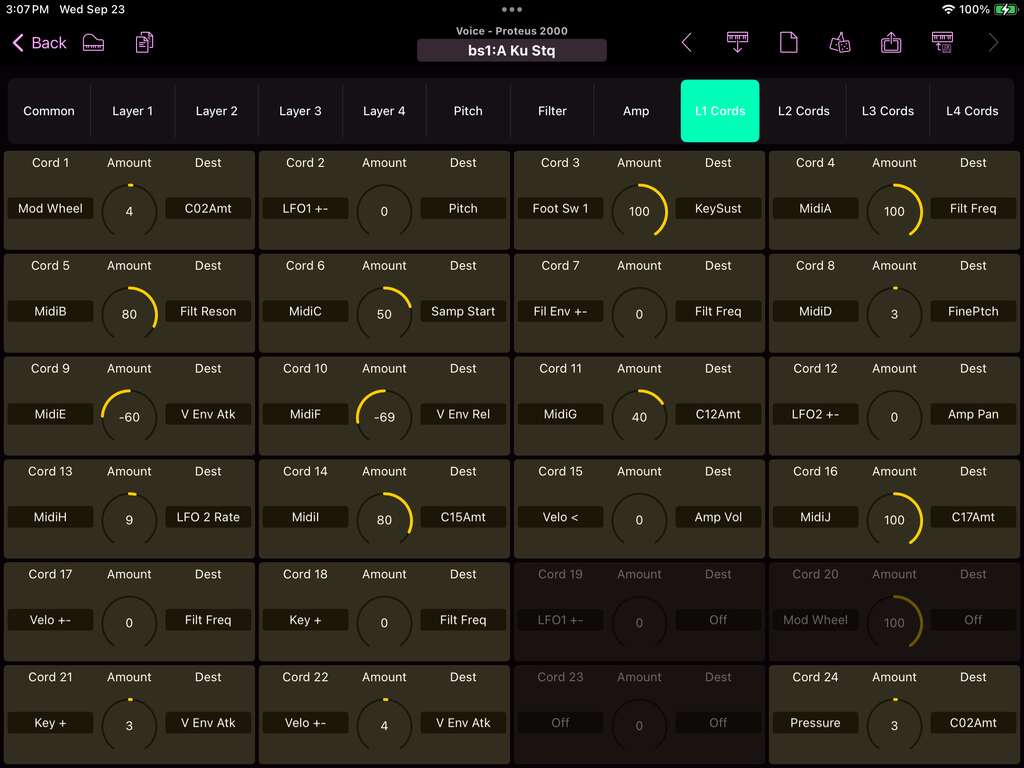
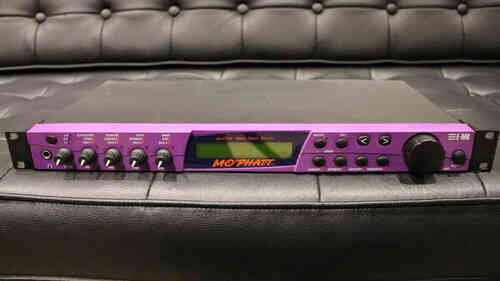
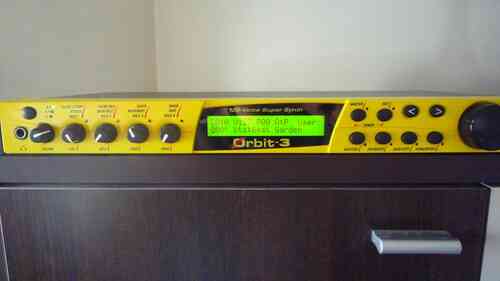
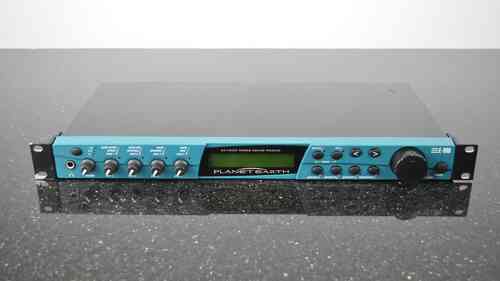
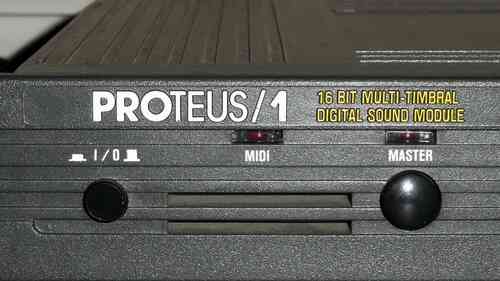
The E-mu Proteus 2000 is a rompler/synth that came out in 1999. Each preset (voice) stacks four layers, each with an instrument (sample), a filter chosen from many types, three envelopes, two LFOs, and tons of modulation routing. Additionally, each voice features control modulation, two linked presets, an arpeggiator, and two effects processors.
Preset Editor
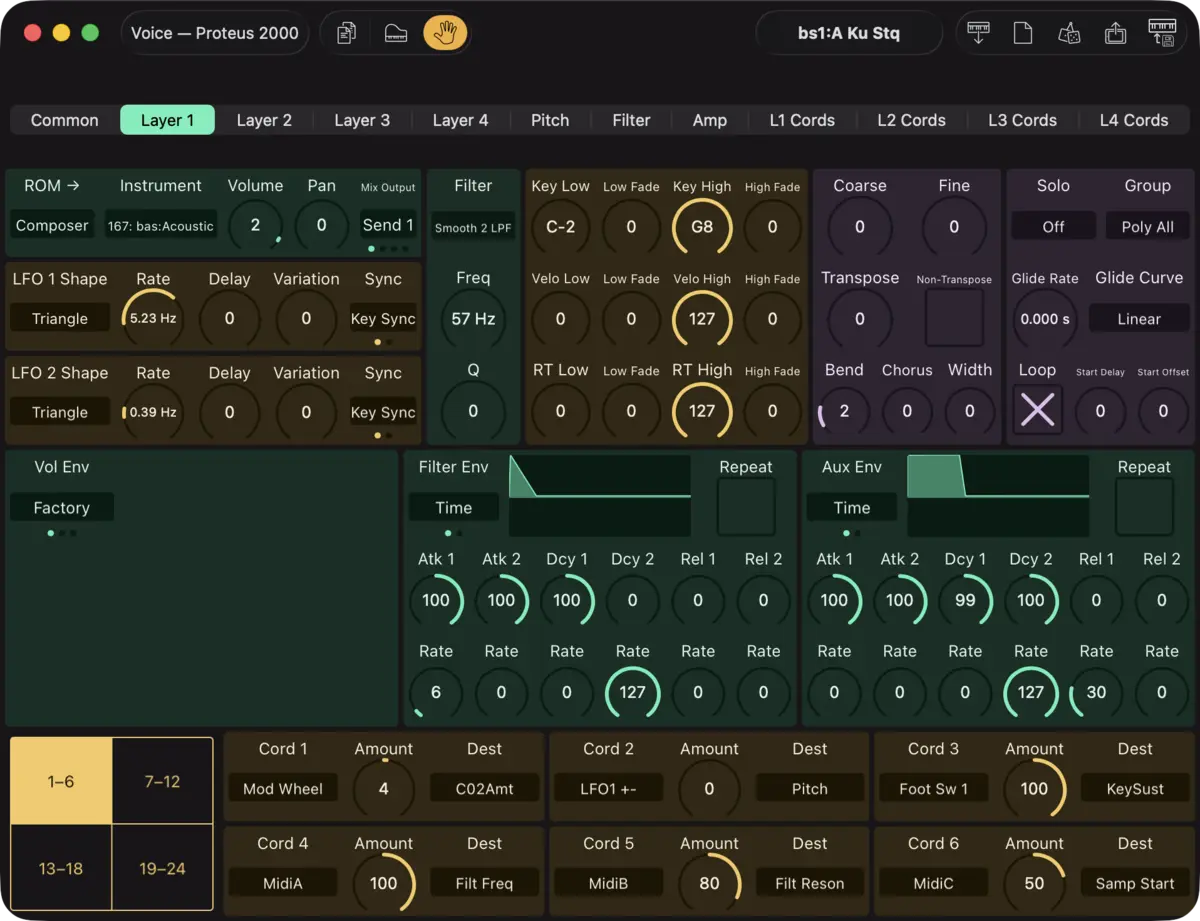
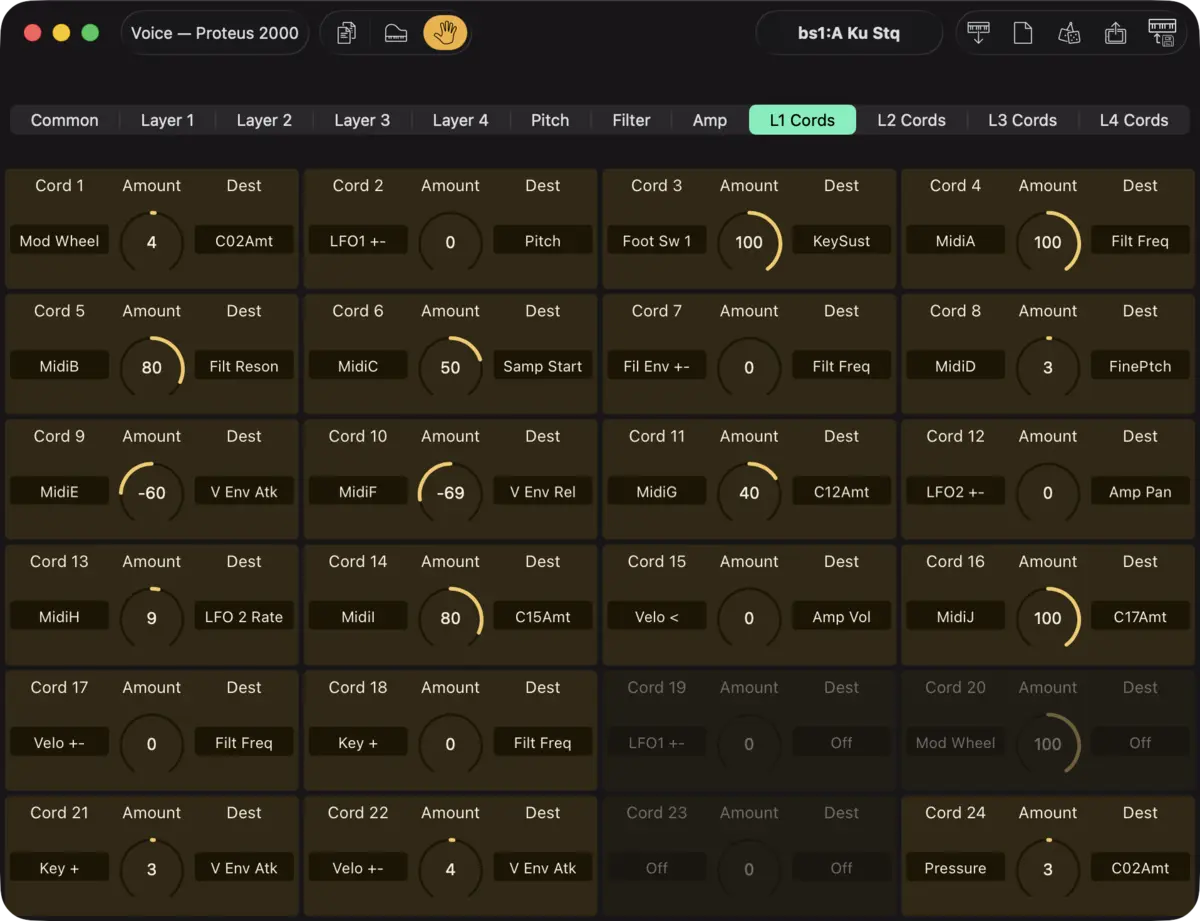
The preset editor is split into pages. The Common page holds the preset-level settings, such as effects and the arpeggiator. Each Layer page shows one layer in full: instrument and ROM, key, velocity and realtime crossfade zones, tuning and glide, the filter, both LFOs, the three envelopes, and that layer's cords.
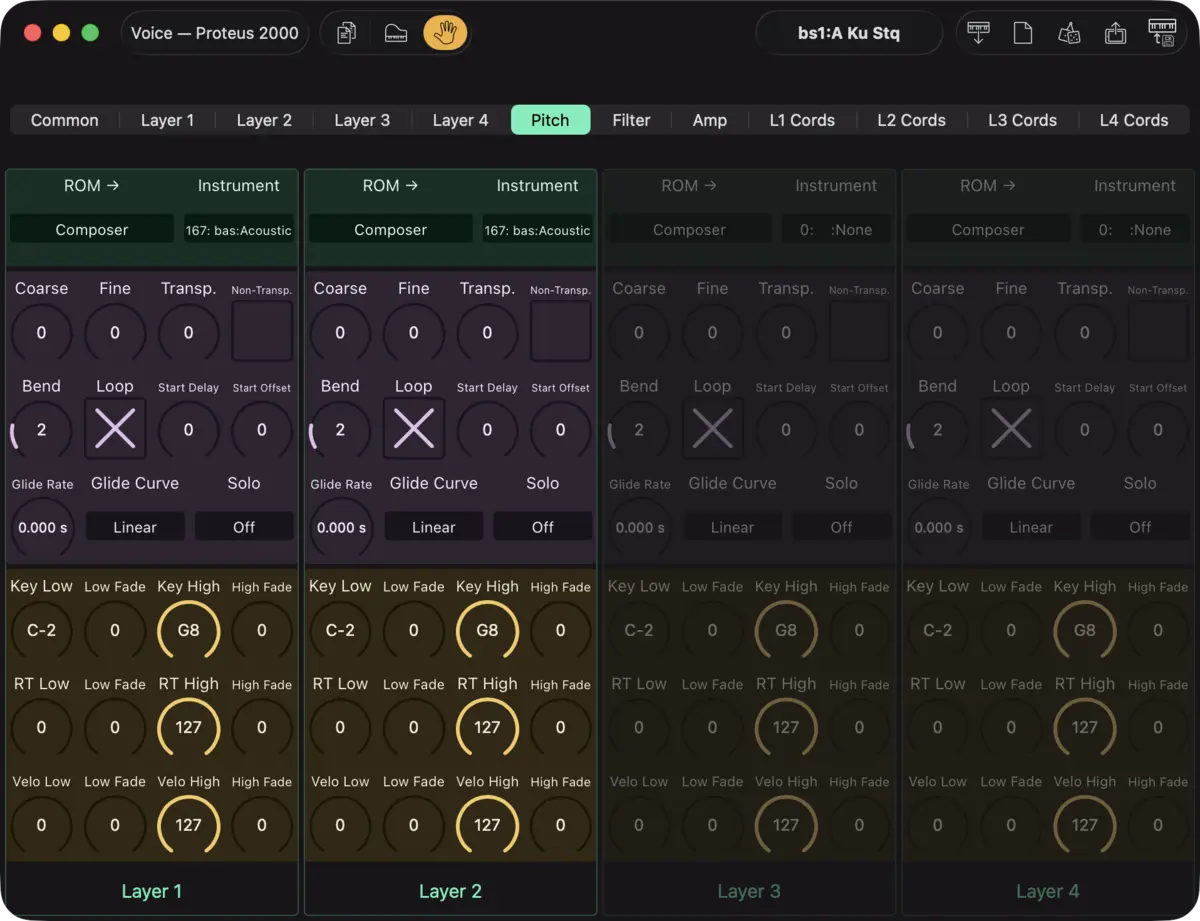
Additionally there are Pitch, Filter, and Amp pages that each line up all four layers side by side, to easily edit across layers, and with copy and paste. Compare the filter settings across layers at a glance, or paste one layer's filter settings onto another's.
- Envelopes are drawn visually, featuring copy / paste.
- Values read the way the synth shows them: LFO rates in Hz or note divisions, filter cutoff in Hz, EQ gain in dB, glide in seconds, tempo-locked envelope stages as note values.
Setup Editor
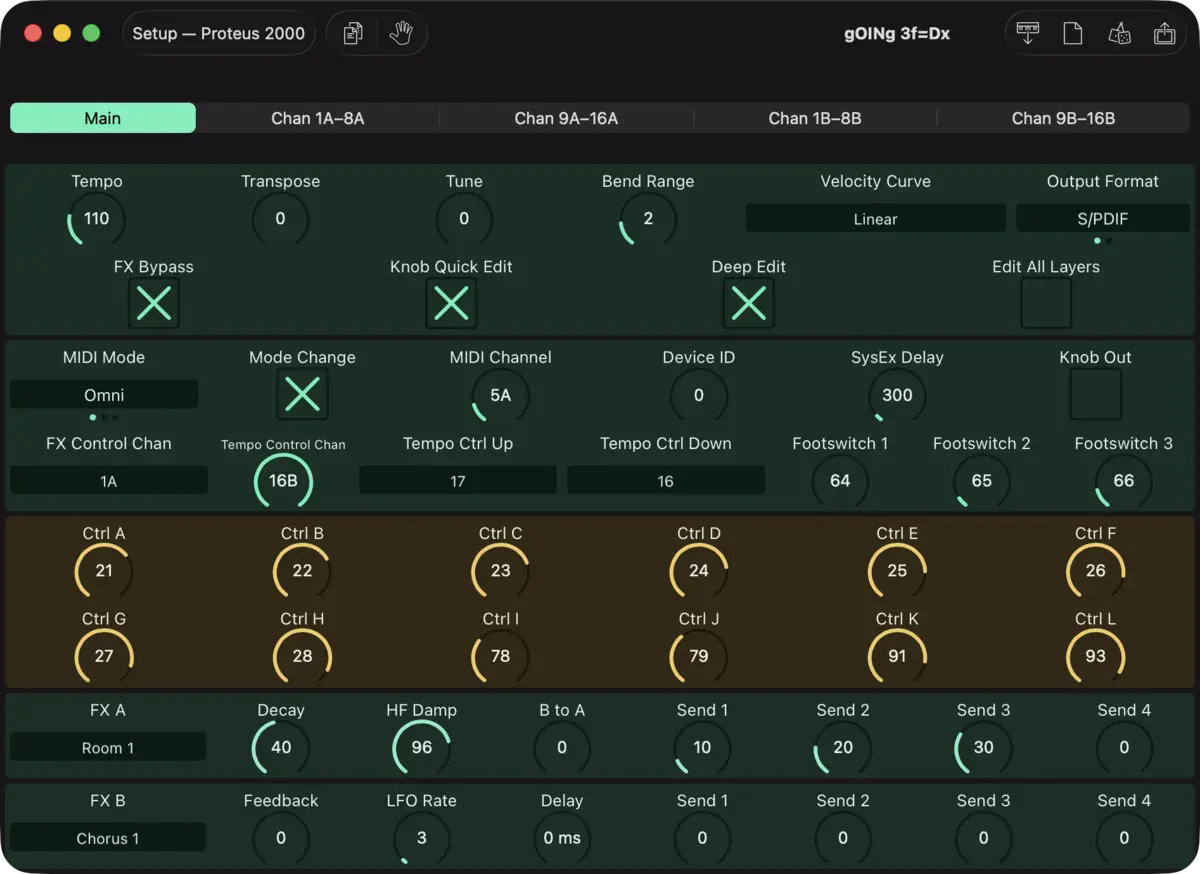
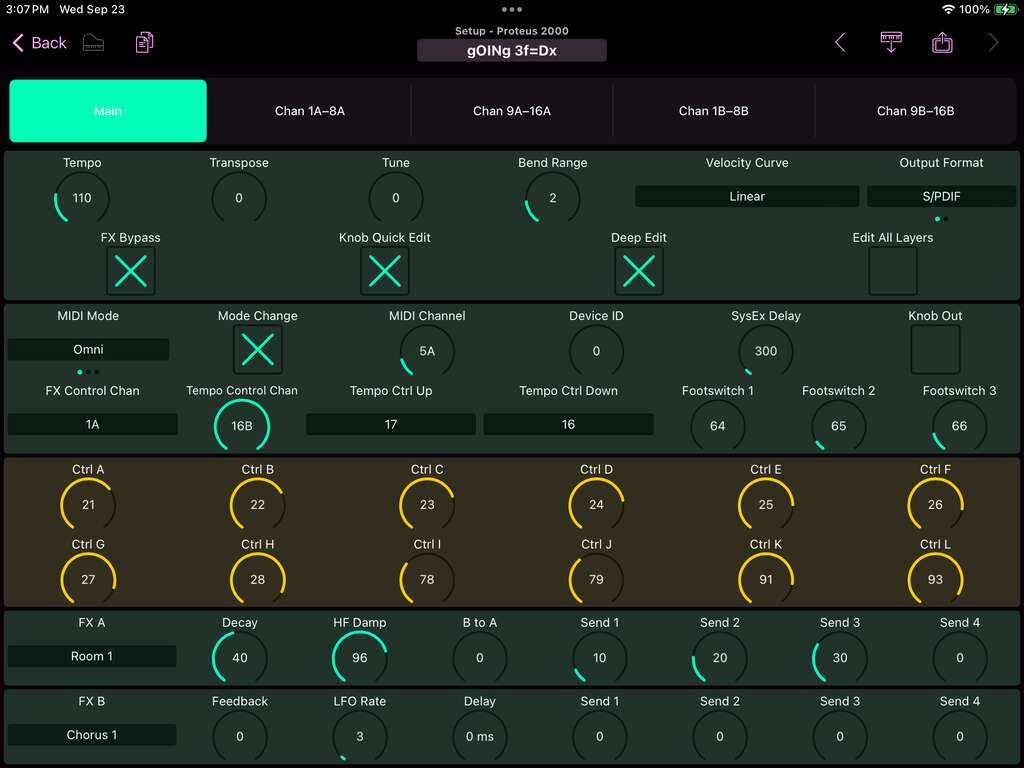
The synth's global (Master) settings on one page. Plus, the whole Multisetup: all 32 MIDI channels, each with its preset and ROM, and various channel settings.
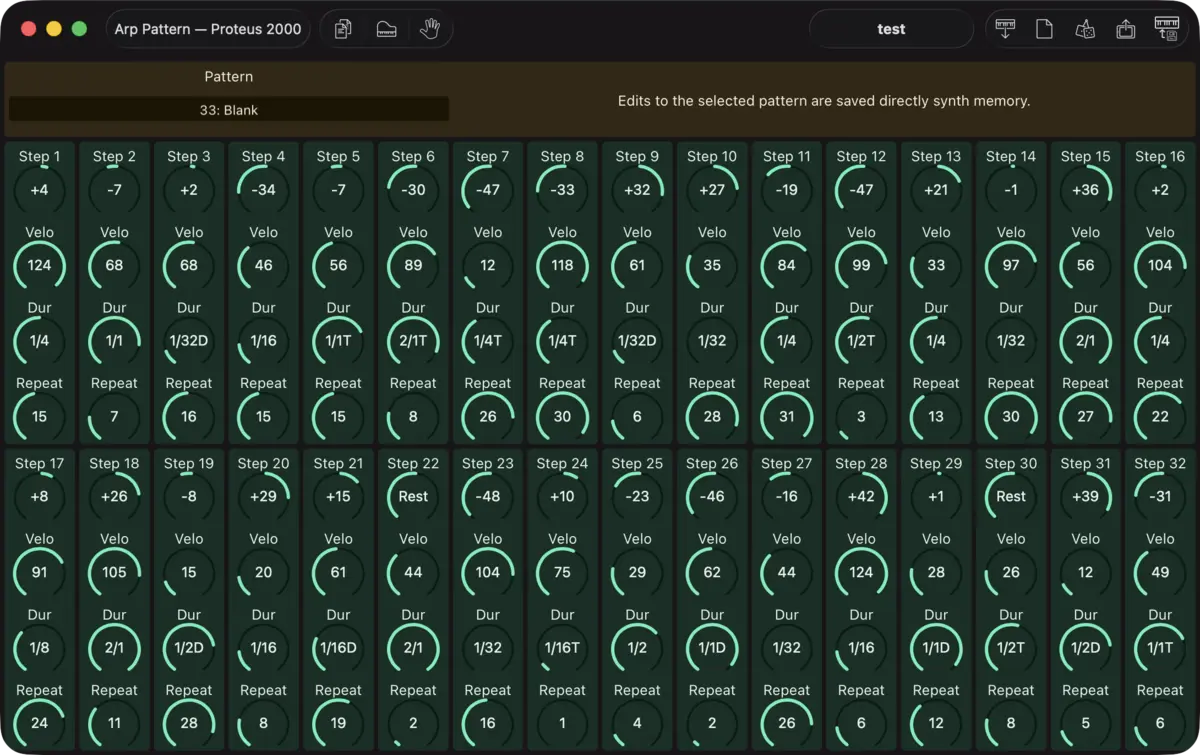
Arp Pattern Editor
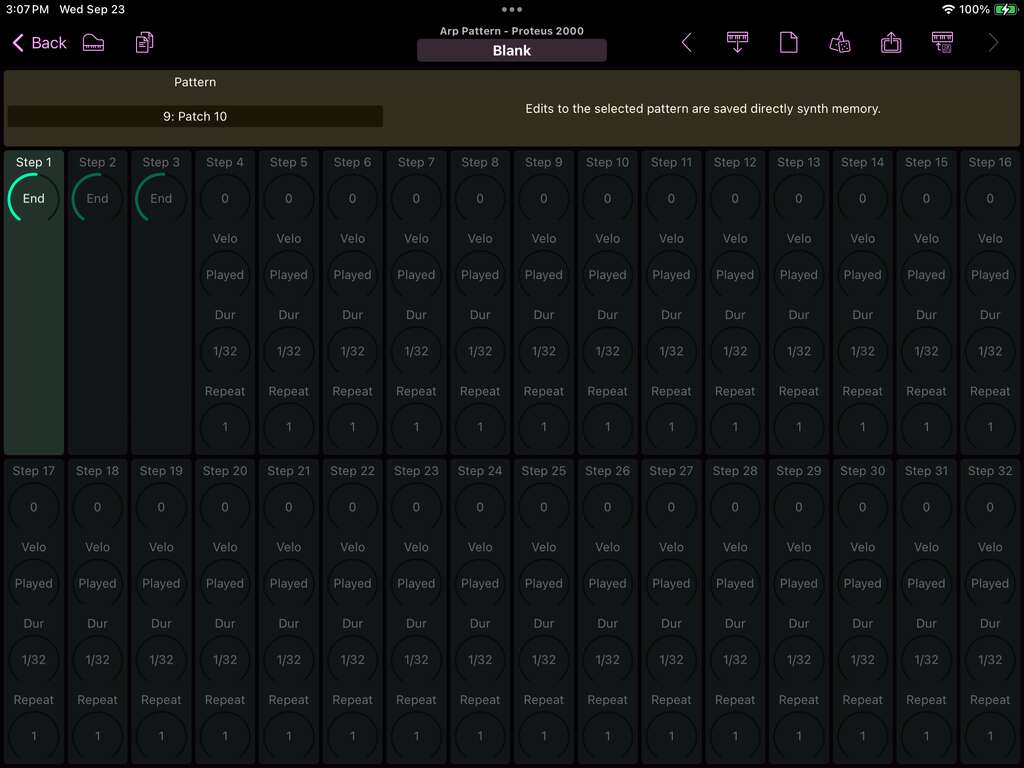
Edit all 100 user arpeggiator patterns of up to 32 steps each. Patch Base shows the whole pattern on a single page.
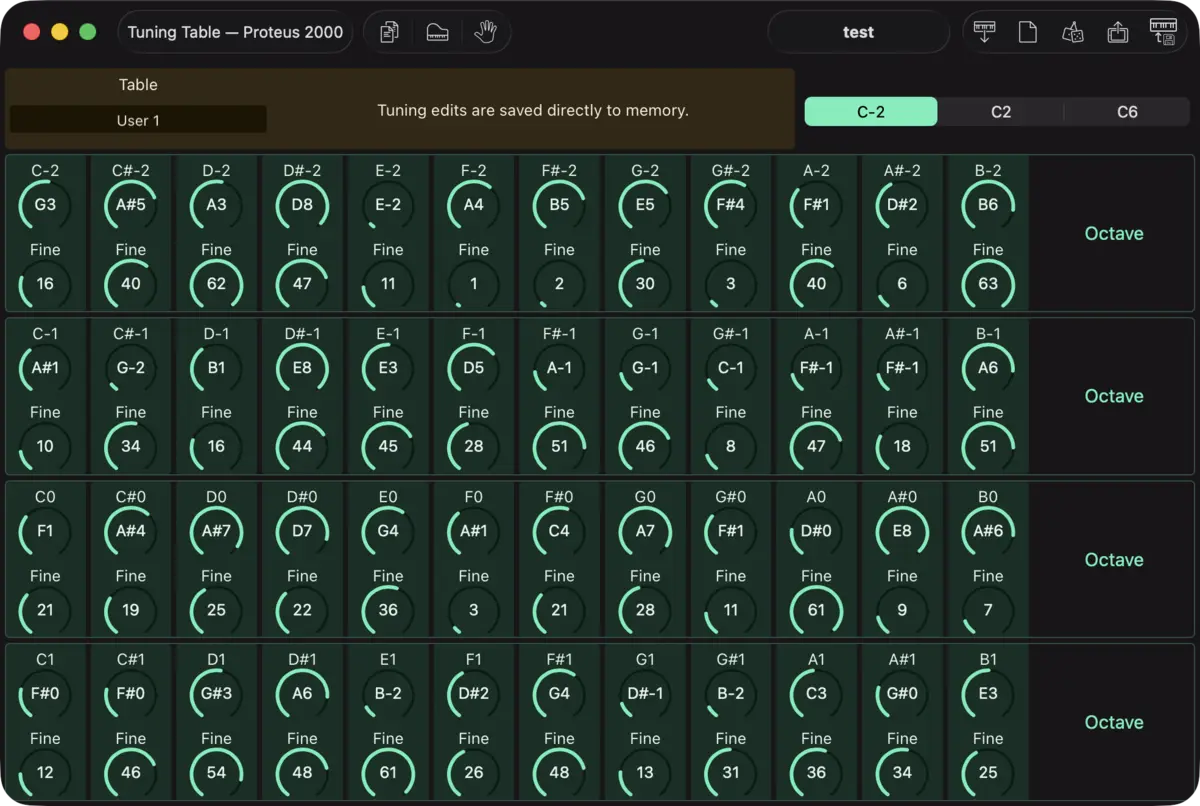
Tuning Table Editor
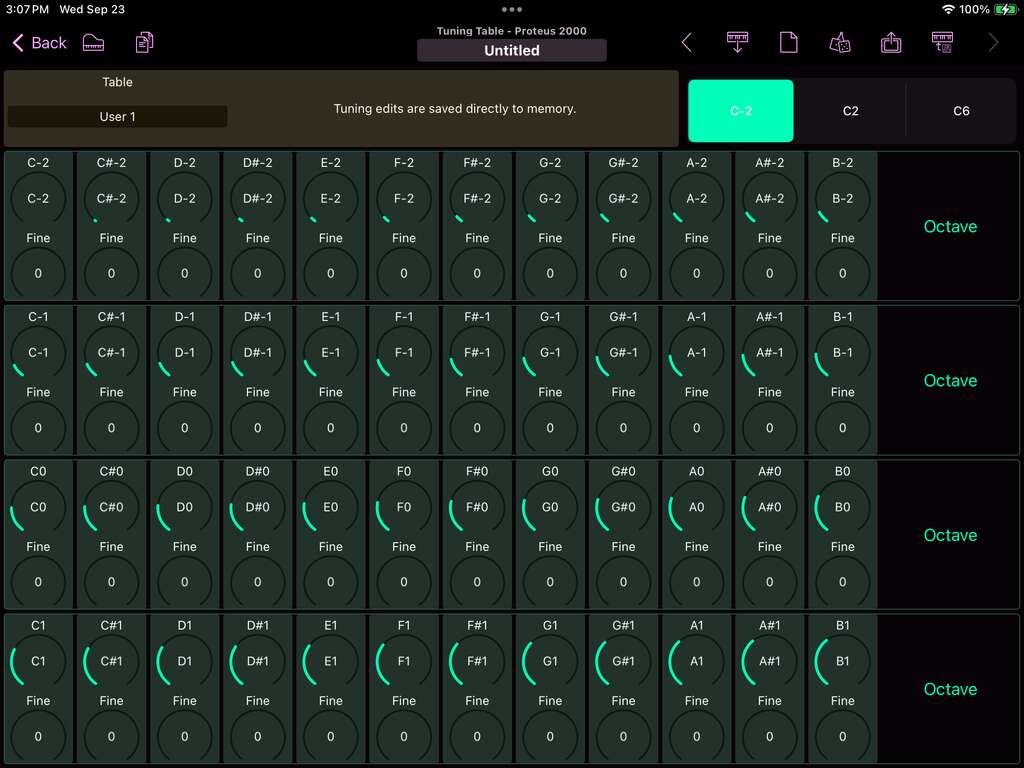
Edit all 12 user tuning tables, 128 keys each. Work an octave at a time, copy and paste octaves, or reset a table to equal temperament.
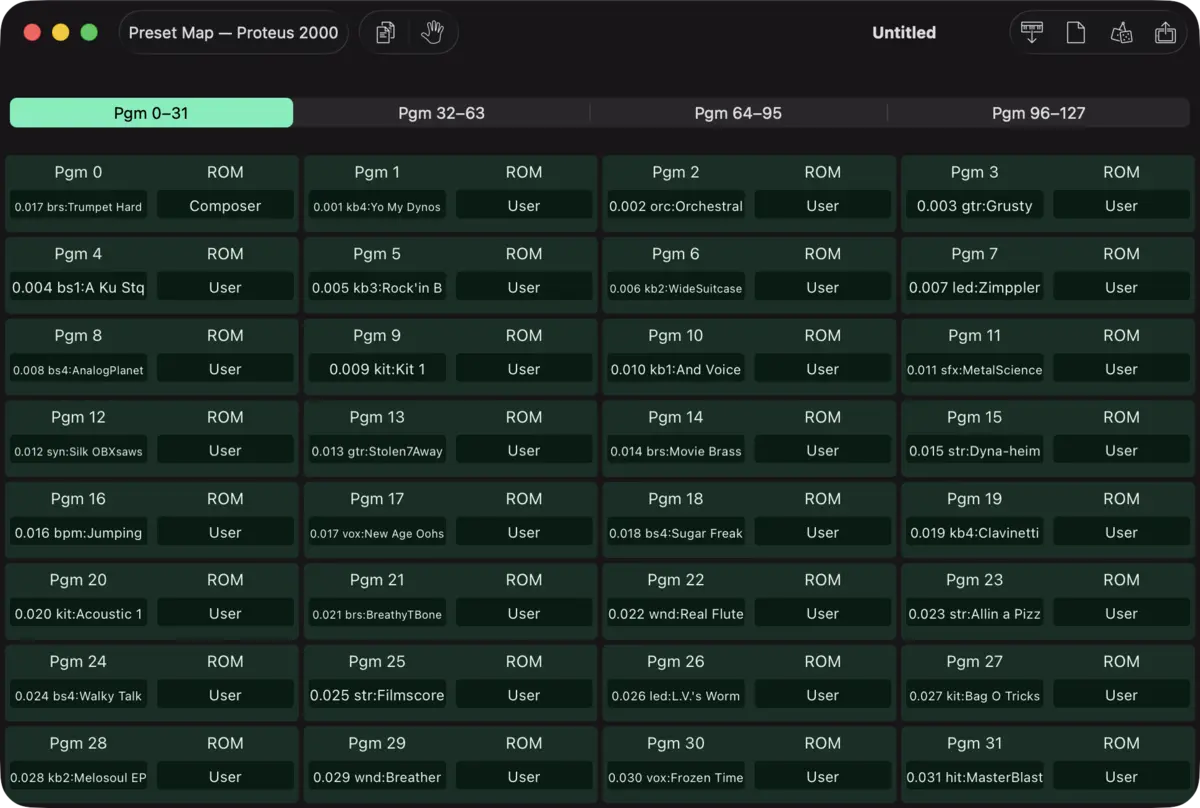
Preset Map
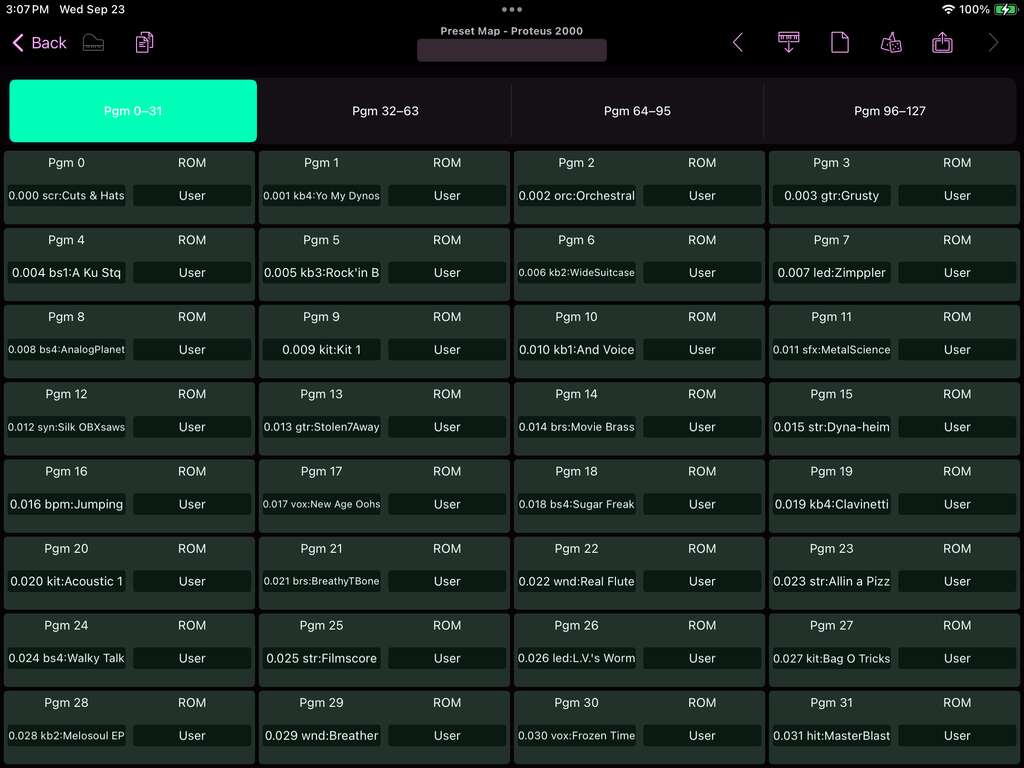
Map all 128 program change numbers to any preset in any ROM, by name.
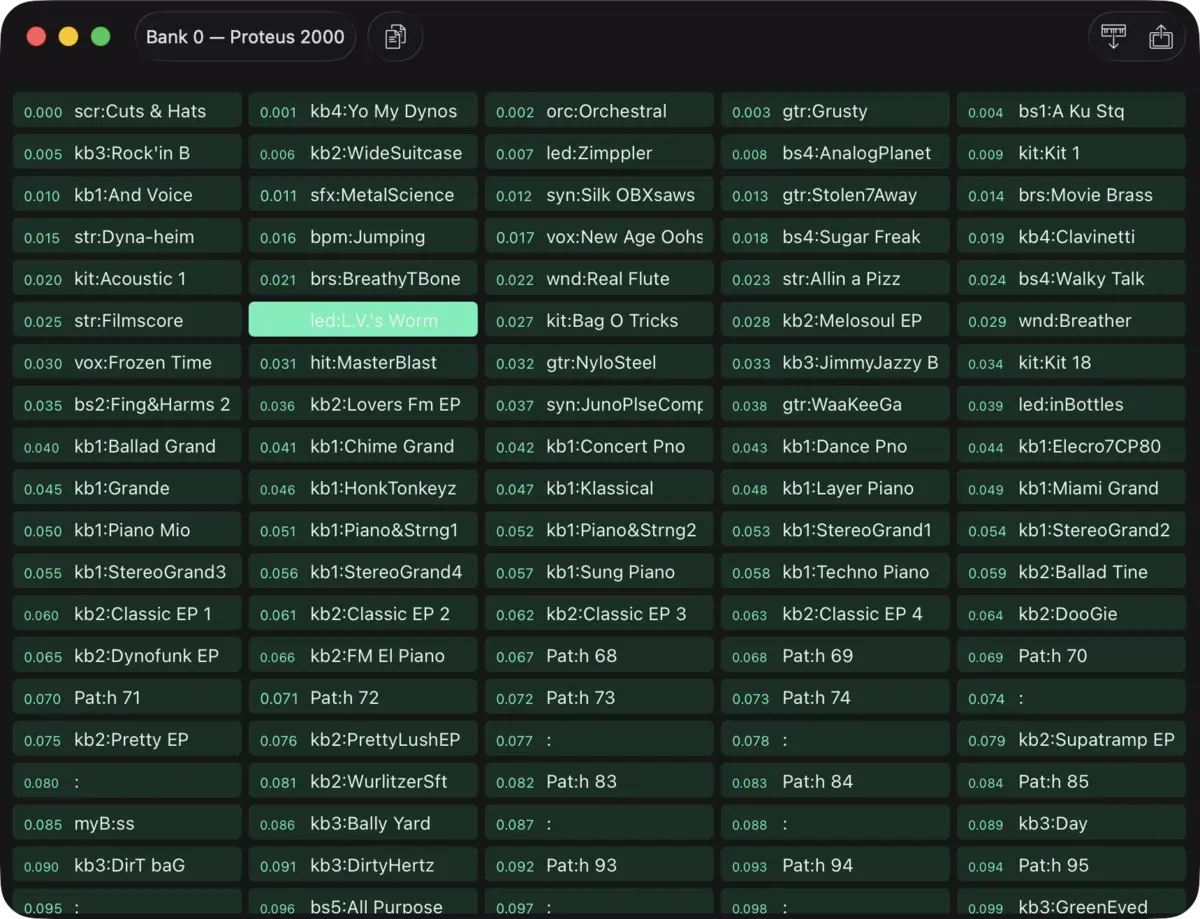
Bank Editors
Four user banks of 128 presets, plus the 100 user arp patterns and 12 tuning tables each get their own bank editor.
Patch Librarian
Save patches and banks as files
Patch Base saves files as sysex that can be sent to your synth by Patch Base or any general-purpose sysex transfer app.
Organize your sounds
Create folders to organize your patches and banks on iPad or Mac.
iCloud integration
Optionally use iCloud to make your patch files accessible on any iCloud-connected device, and to sync between Patch Base on Mac and iPad.
Import sysex files
Import existing patch and bank sysex files. On Mac, drop your files into the browser. On iPad, import using iCloud or the Files app.
More E-mu