 Coffeeshopped
Patch Base/Supported synths/Roland MKS-50
Roland
MKS-50 Editor & Librarian
Patch Base has the best Roland MKS-50 editor and librarian available for Mac and iPad. Edit any parameter, organize patches, create random patches, and more.
Try out Patch Base 4 for Mac free for 7 days. Every editor is available as a one-time purchase, or get them all with the All Access subscription — one monthly or annual price for the whole collection.
Already own Patch Base 4 for Mac? Log in to buy the MKS-50 editor at the editor-only price.
Download Patch Base free on the App Store, then unlock the MKS-50 editor with an in-app purchase — or get every editor with All Access.
Free to download, and free 7-day All Access trial.
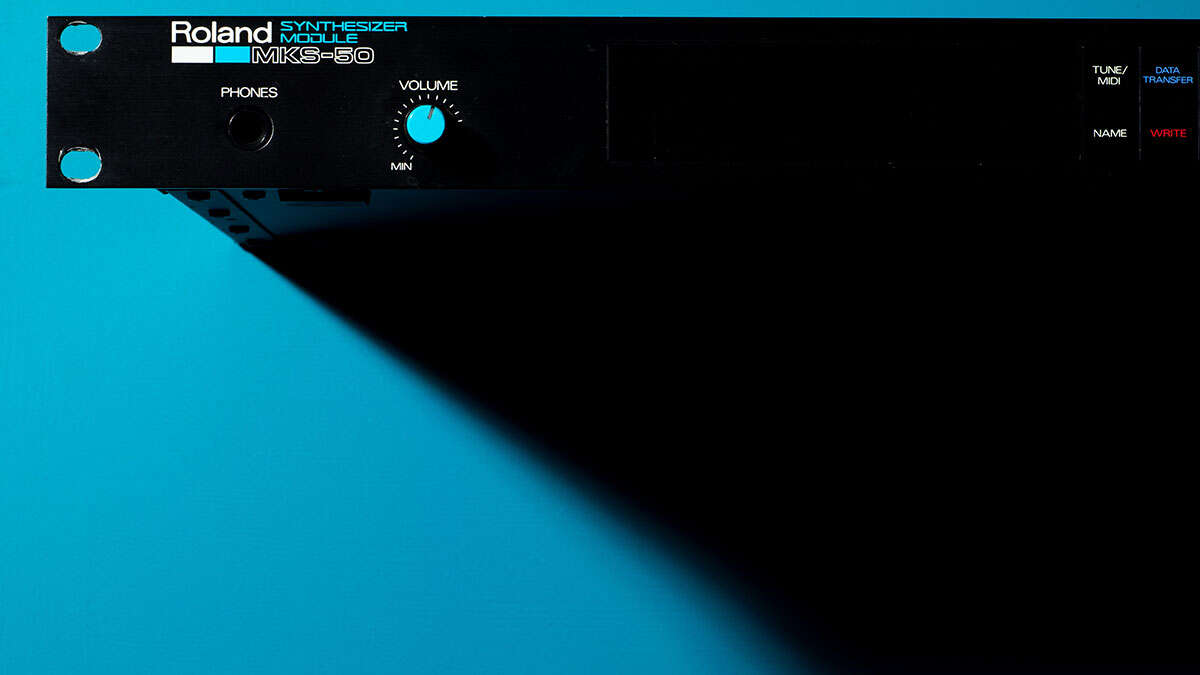
iPad Screenshots
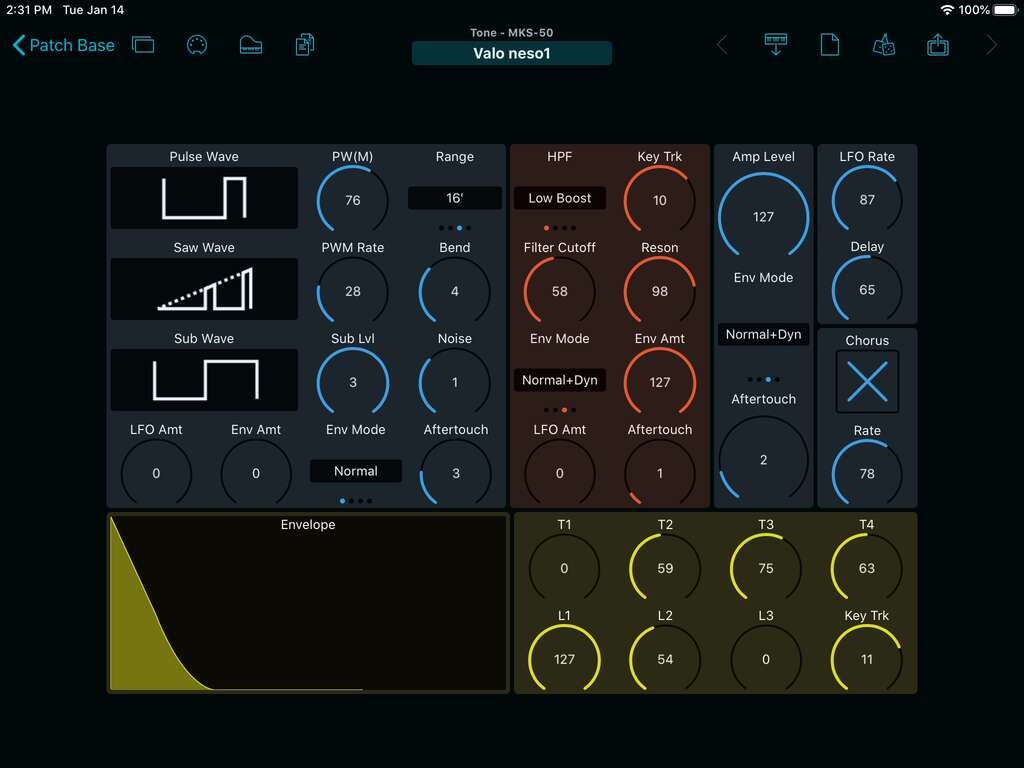
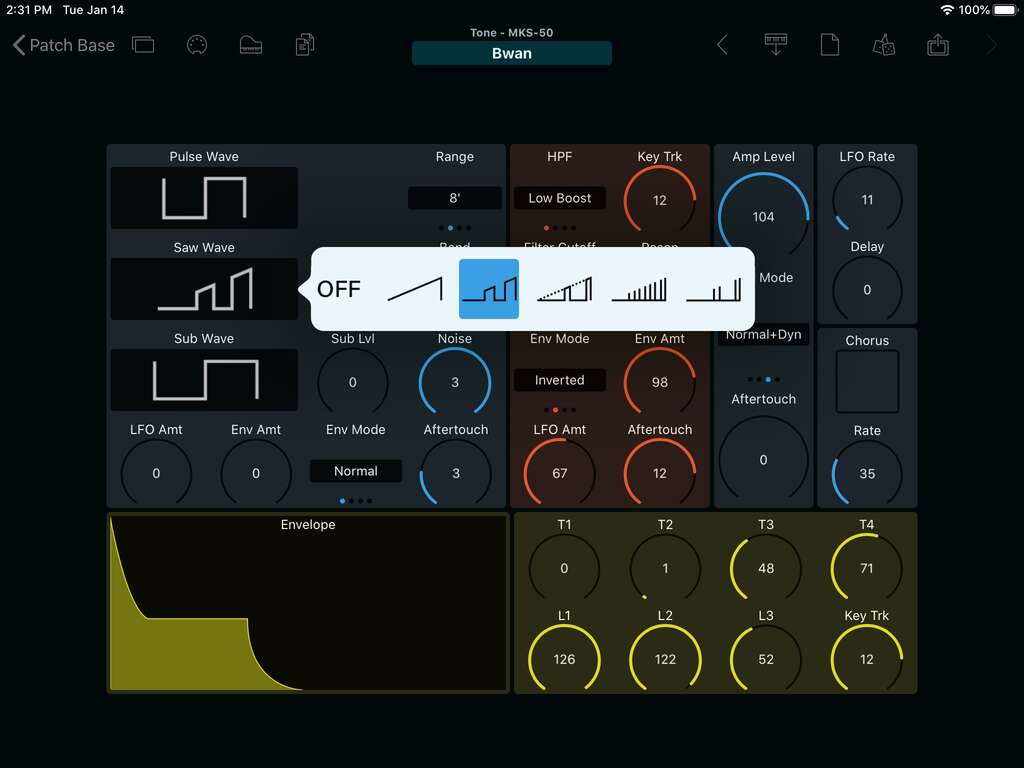
Tone Editor
Visualize the whole patch on your MKS-50, and easily edit any parameter without any menu diving. You can quickly explore all of the sonic space that the synth offers.
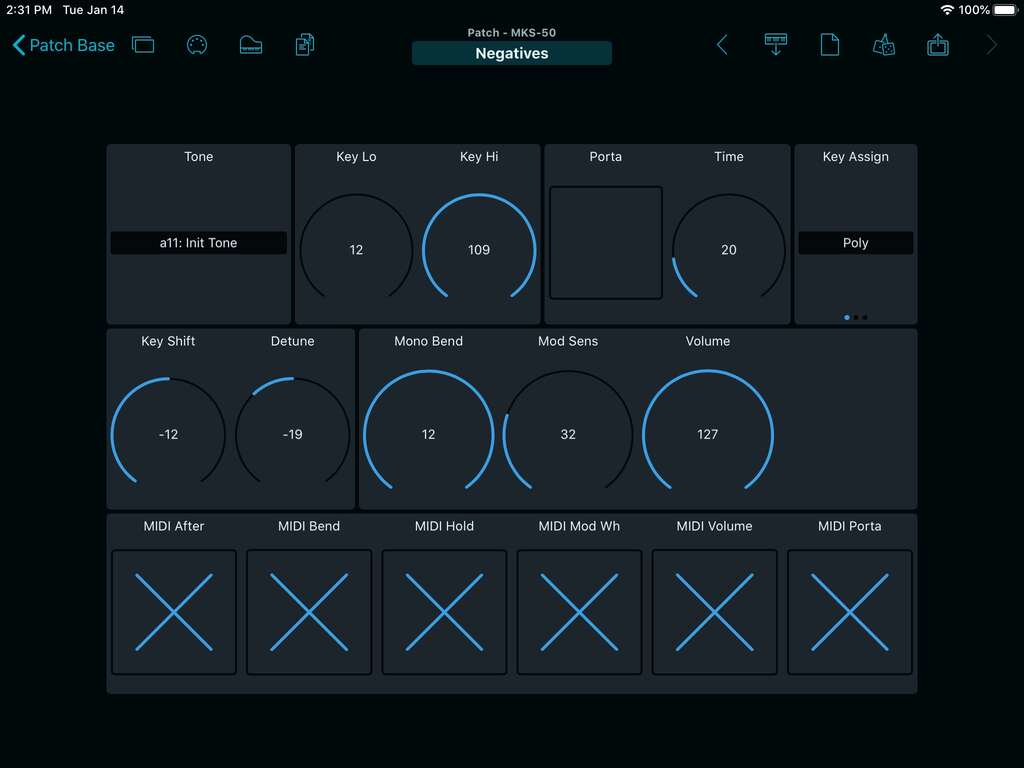
Patch Editor
The MKS-50 uses Patches for performance-related settings with your sounds. Select the sound you want to use, adjust detuning and portamento settings, and turn on/off external MIDI controls.
Chord Memory Editor
You can play the MKS-50 in Chord mode for single-key playing of chords. Patch Base gives you an editor to define the different chord structures stored on your MKS-50.
Bank Editors
Edit and organize the 128 tones and patches stored on your MKS-50. Patch Base gives you direct access to the memory banks, so you can organize sounds and back them up to files on your device, and swap entire banks in seconds.
Patch Librarian
Save patches and banks as files
Patch Base saves files as sysex that can be sent to your synth by Patch Base or any general-purpose sysex transfer app.
Organize your sounds
Create folders to organize your patches and banks on iPad or Mac.
iCloud integration
Optionally use iCloud to make your patch files accessible on any iCloud-connected device, and to sync between Patch Base on Mac and iPad.
Import sysex files
Import existing patch and bank sysex files. On Mac, drop your files into the browser. On iPad, import using iCloud or the Files app.
More Roland
Other Roland editors.
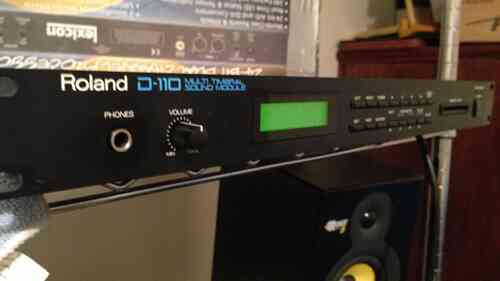
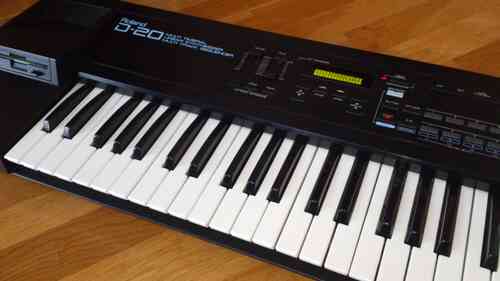
Related: All supported synths FAQ MKS-50 editor help