 Coffeeshopped
Patch Base/Supported synths/Korg Prophecy
Korg
Prophecy Editor & Librarian
Patch Base has the best Korg Prophecy editor and librarian available for Mac and iPad. Edit any parameter, organize patches, create random patches, and more.
Try out Patch Base 4 for Mac free for 7 days. Every editor is available as a one-time purchase, or get them all with the All Access subscription — one monthly or annual price for the whole collection.
Already own Patch Base 4 for Mac? Log in to buy the Prophecy editor at the editor-only price.
Download Patch Base free on the App Store, then unlock the Prophecy editor with an in-app purchase — or get every editor with All Access.
Free to download, and free 7-day All Access trial.

iPad Screenshots
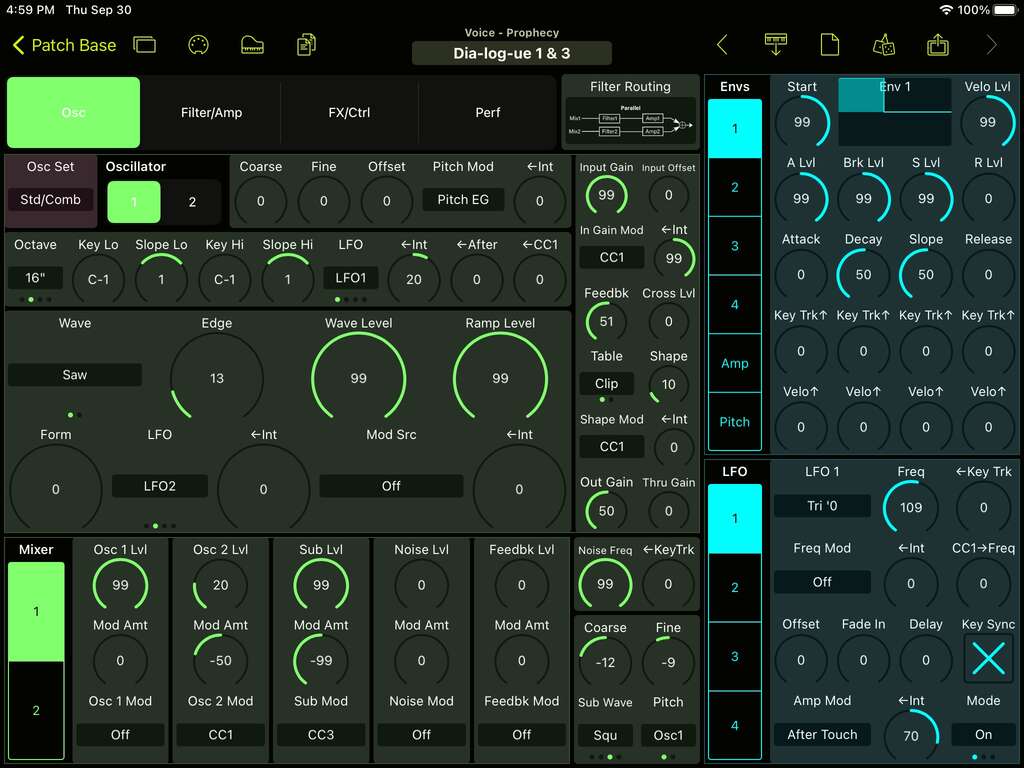
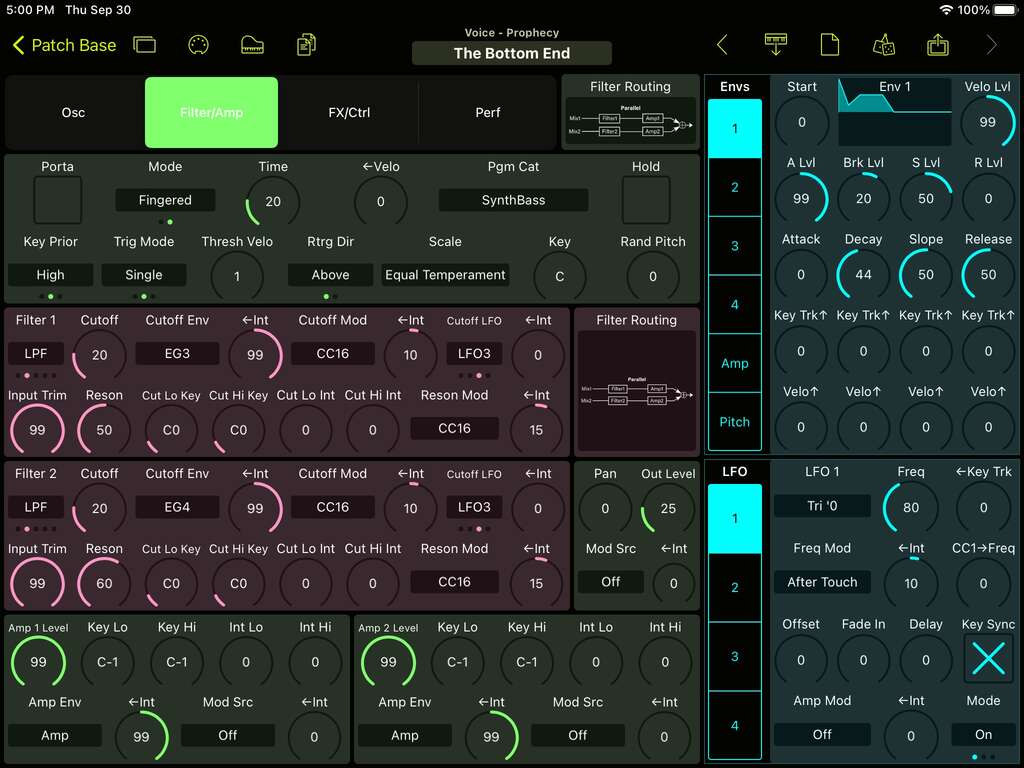
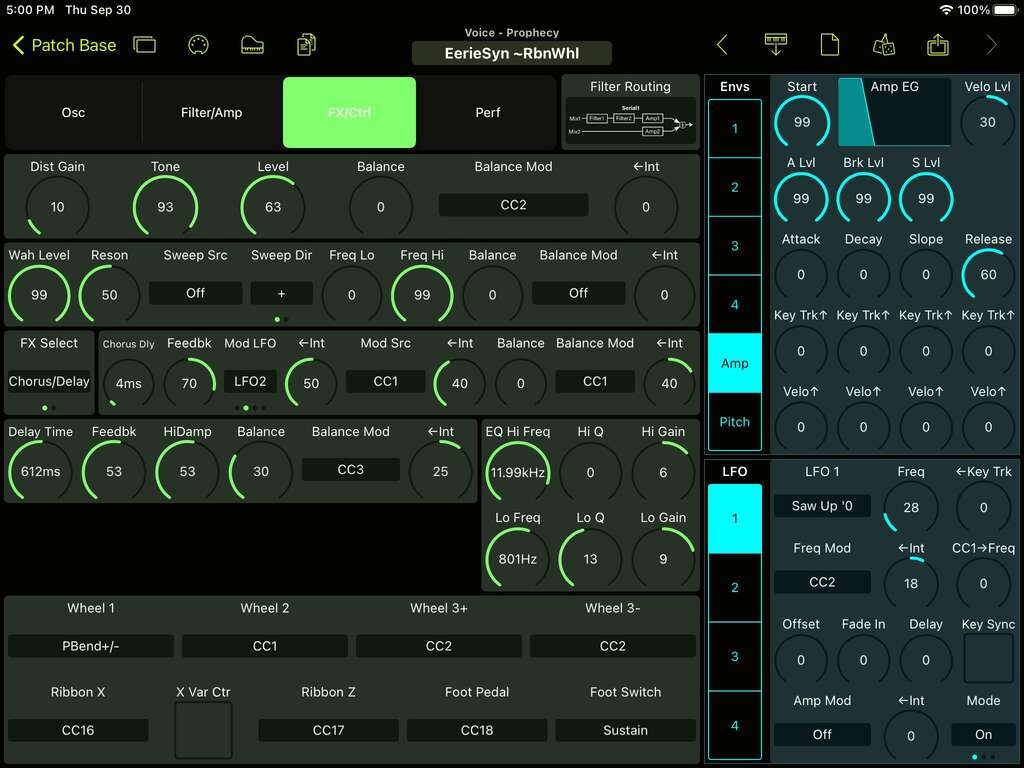
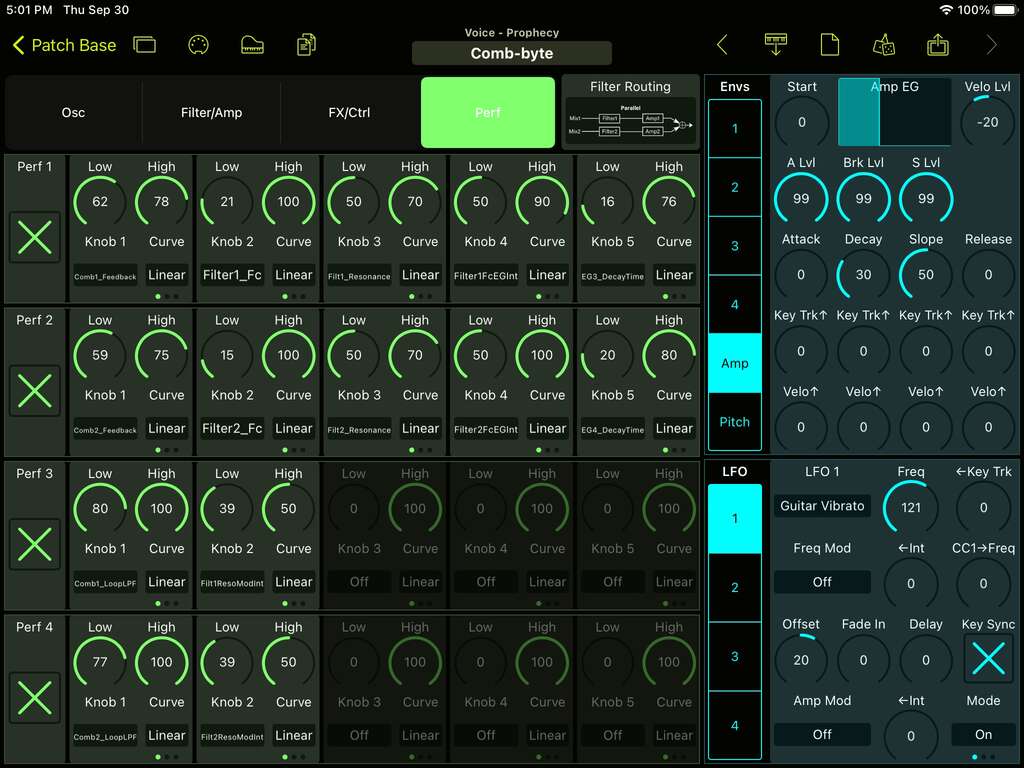
Voice Editor
Edit every voice parameter on your Korg Prophecy in real-time. Adjust and fine-tune the oscillators, filter, envelopes, LFOs, and all modulation capabilities that the Prophecy offers:
- Visualize and edit all of the dozens of parameters in a Prophecy voice, without diving into the menus on the synth.
- See the parameters for the chosen oscillators in a voice only, to help focus and understanding of how each oscillator works.
- Easy modulation routing, with LFOs and Envelopes available for editing next to any parameter you want to modulate.
- Copy/paste/randomize/init envelopes for ease of editing
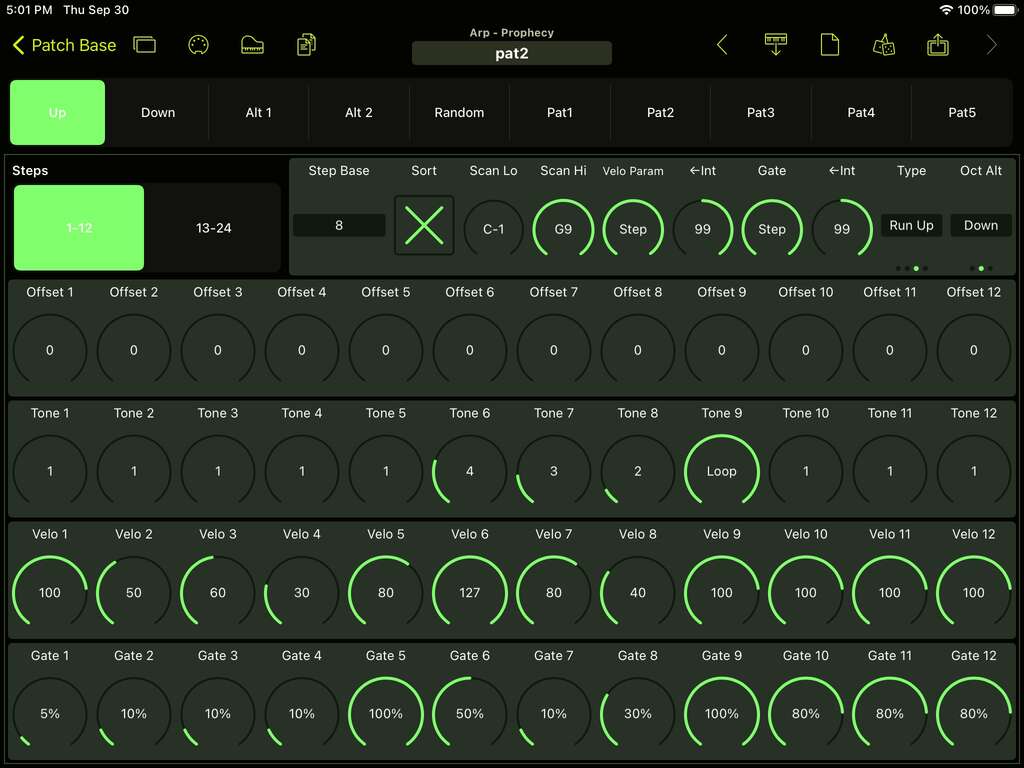
Arp Editor
Edit and save any of the 10 user-defined Arpeggiator sequences, with quick access to every arp step and parameter.
Global Editor
Edit any of the Global parameters easily, including the custom User Scales, program change mappings, and controller mappings.
Bank Editor
Edit and organize the Prophecy's 2 voice banks and single arpeggiator bank. Patch Base gives you direct access to organize them and back them up to files on your device.
Patch Librarian
Save patches and banks as files
Patch Base saves files as sysex that can be sent to your synth by Patch Base or any general-purpose sysex transfer app.
Organize your sounds
Create folders to organize your patches and banks on iPad or Mac.
iCloud integration
Optionally use iCloud to make your patch files accessible on any iCloud-connected device, and to sync between Patch Base on Mac and iPad.
Import sysex files
Import existing patch and bank sysex files. On Mac, drop your files into the browser. On iPad, import using iCloud or the Files app.
More Korg
Other Korg editors.



Related: All supported synths FAQ Prophecy editor help