 Coffeeshopped
Patch Base/Supported synths/Waldorf Micro Q
Waldorf
Micro Q Editor & Librarian
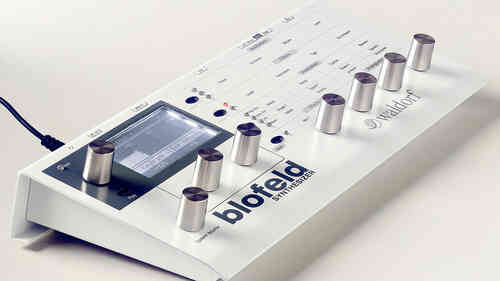
Patch Base has the best Waldorf Micro Q editor and librarian available for Mac and iPad. Edit any parameter, organize patches, create random patches, and more.
Try out Patch Base 4 for Mac free for 7 days. Every editor is available as a one-time purchase, or get them all with the All Access subscription — one monthly or annual price for the whole collection.
Already own Patch Base 4 for Mac? Log in to buy the Micro Q editor at the editor-only price.
Download Patch Base free on the App Store, then unlock the Micro Q editor with an in-app purchase — or get every editor with All Access.
Free to download, and free 7-day All Access trial.

iPad Screenshots
Voice Editor
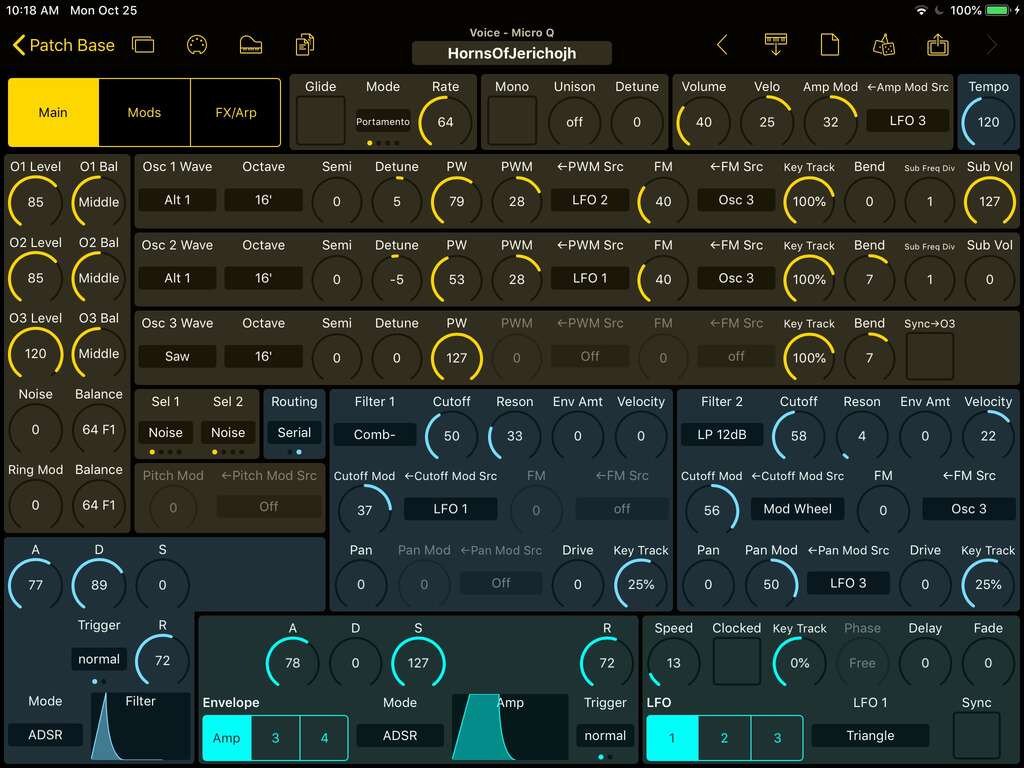
Edit any of the Micro Q's voice parameters in real-time. All of the oscillators, filters, envelopes, and LFOs are there on one screen for fast editing. Envelopes can be copied, pasted, initialized, and randomized.
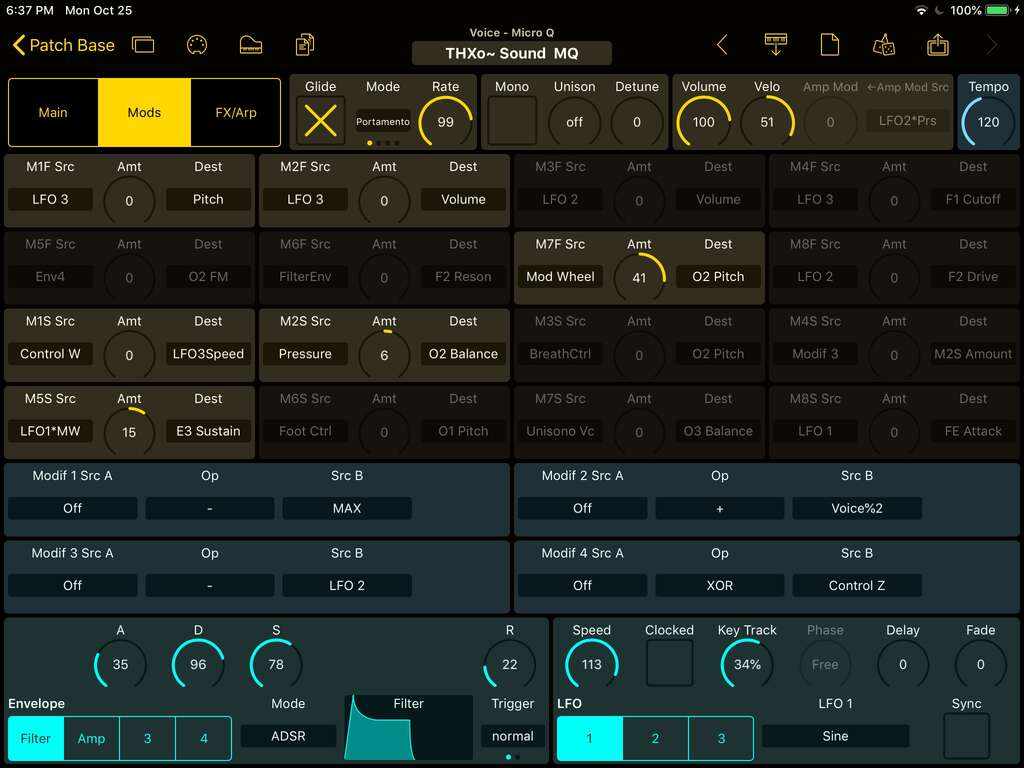
All the modulation routings and modifiers are shown on one page, with envelopes and LFOs for a single place to create all the custom modulations you desire.
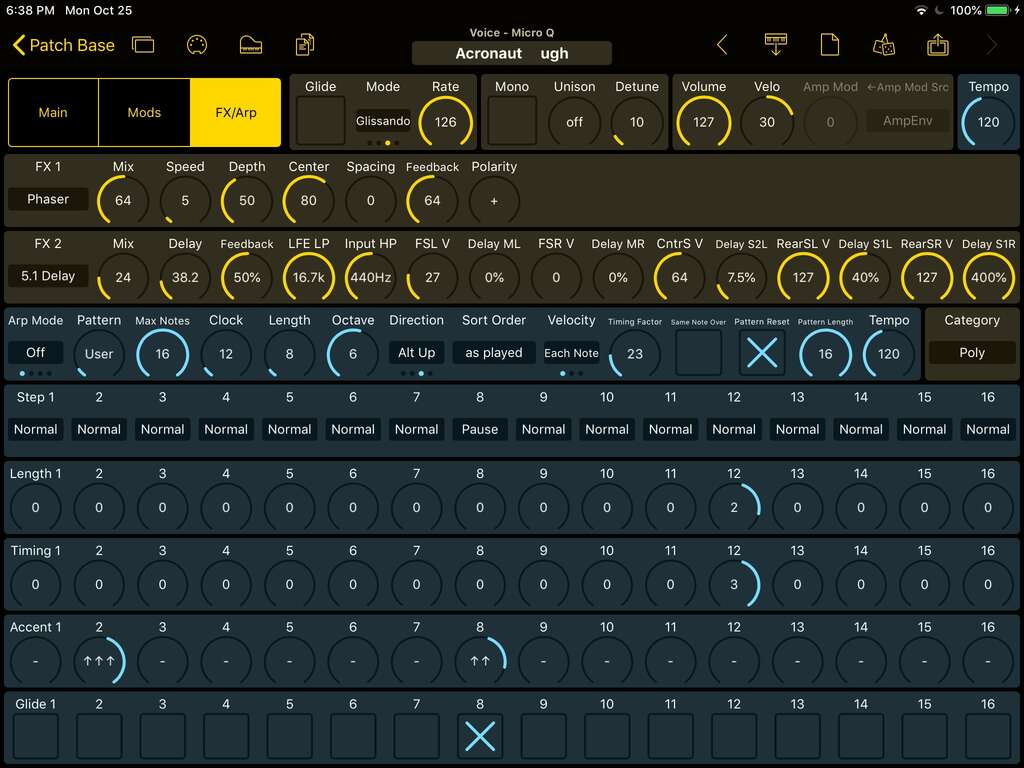
Both Effects units are fully supported with all of their different parameters available for easy configuration. Chorus, Flanger, Phaser, Overdrive, Five FX, Vocoder, Delay, Reverb, 5.1 Delay and 5.1 Clocked Delay are all easy to play with.
Visualize the entire Arpeggiator and User pattern on one page to create custom arp sequences for your sounds.
Multi Editor
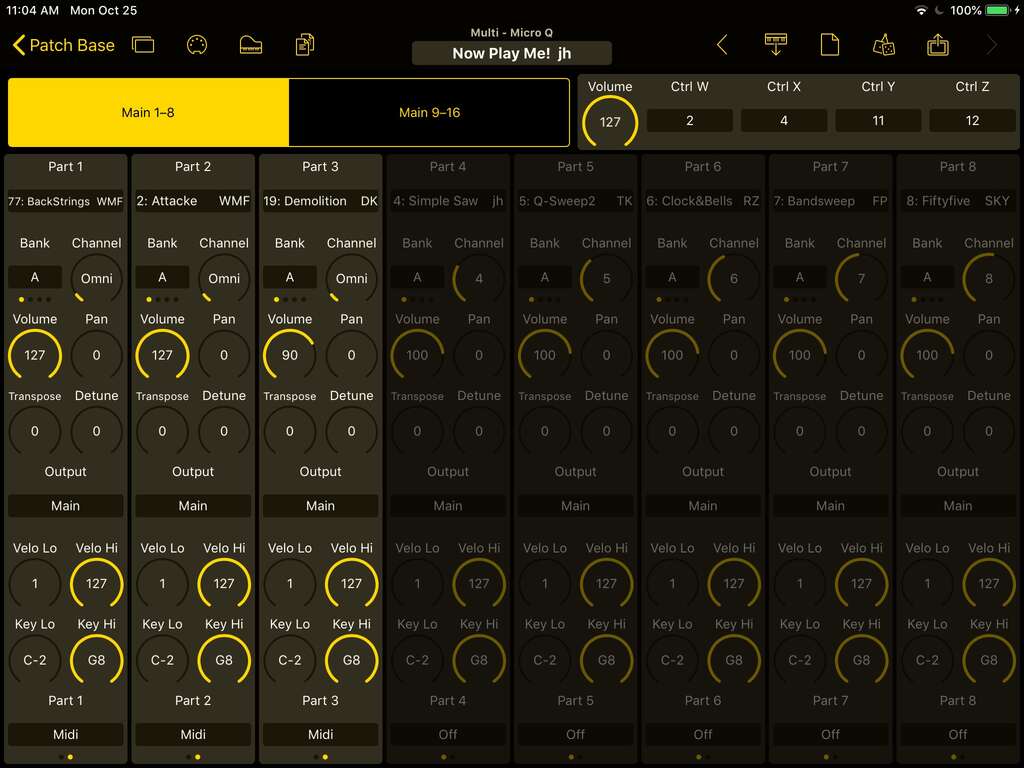
The Micro Q can play up to 16 different parts at the same time, and now it's easy to manage all of them with Patch Base's Multi Editor. Quickly change the sounds used, mixing levels, panning, MIDI channels and more.
Also, you can directly edit all 16 sounds loaded in Multi Mode. Patch Base has 16 separate voice editors, 1 for each part, allowing you to easily switch between parts when you need to make small tweaks (or big changes!) to any of the sounds in a Multi.
Drum Map Editor
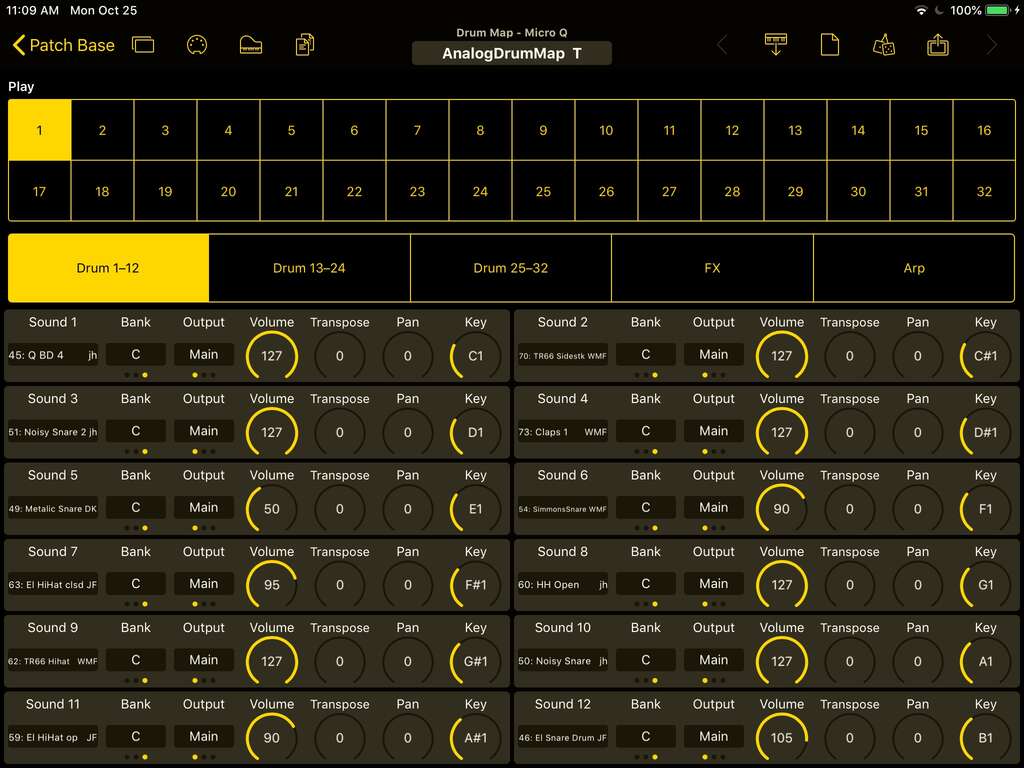
Similar to the Multi editor, the Drum Map editor enables customization of Drum sets of 32 different sounds from your Micro Q. Select the sounds you want to use, and mix and transpose them. The editor includes a 32-button grid at the top to audition any of your sounds while you're creating your kit. And the custom Effects and Arp settings for your Drum Maps are also directly editable here.
Bank Editor
The Micro Q has 3 internal voice banks, for a total of 300 sounds that can be stored on the synth. Patch Base's Bank Editor enables you to add new sounds, rearrange the locations of sounds, and backup and load banks of 100 sounds at a time. The Micro Q's 100 Multis and 32 Drum Maps can also be managed directly in Patch Base.
Patch Librarian
Save patches and banks as files
Patch Base saves files as sysex that can be sent to your synth by Patch Base or any general-purpose sysex transfer app.
Organize your sounds
Create folders to organize your patches and banks on iPad or Mac.
iCloud integration
Optionally use iCloud to make your patch files accessible on any iCloud-connected device, and to sync between Patch Base on Mac and iPad.
Import sysex files
Import existing patch and bank sysex files. On Mac, drop your files into the browser. On iPad, import using iCloud or the Files app.